


Northbrook, IL. April 17, 2024 — Liventus, a global leader in software development and technology solutions, is thrilled to announce that its India office has been recognized as a Great Place to Work® for the third consecutive year. The prestigious accolade is a testament to Liventus’ unwavering commitment to fostering a positive workplace culture, promoting employee […]

 How can a customizable CRM benefit your business?
Introduction Every organization has its unique way of conducting business, and off-the-shelf CRM solutions may be unable to support all these processes. A custom CRM can be tailored to the organization’s specific needs, enabling it to automate and streamline its unique business processes. A custom CRM can be a valuable investment for businesses looking to […]
 Off the Shelf Vs. Custom Software Development – A Comprehensive Guide for Strategic Decision-Making
Introduction In today’s fast-paced business landscape, choosing the right software solution is crucial for sustained success. The decision often boils down to choosing custom software tailored to specific needs or going for off-the-shelf solutions offering quick implementation. This comprehensive guide will navigate the intricate decision-making process, breaking down the pros and cons, dispelling common misconceptions, […]
 How to decide if an e-commerce trend makes sense for your business?
Introduction Businesses need to adapt and evolve to meet the changing needs of consumers and stay ahead of the competition. It is where eCommerce trends come in, which helps identify the changes and developments in the online retail industry that impact how consumers shop and businesses operate. E-commerce trends refer to the current and emerging […]
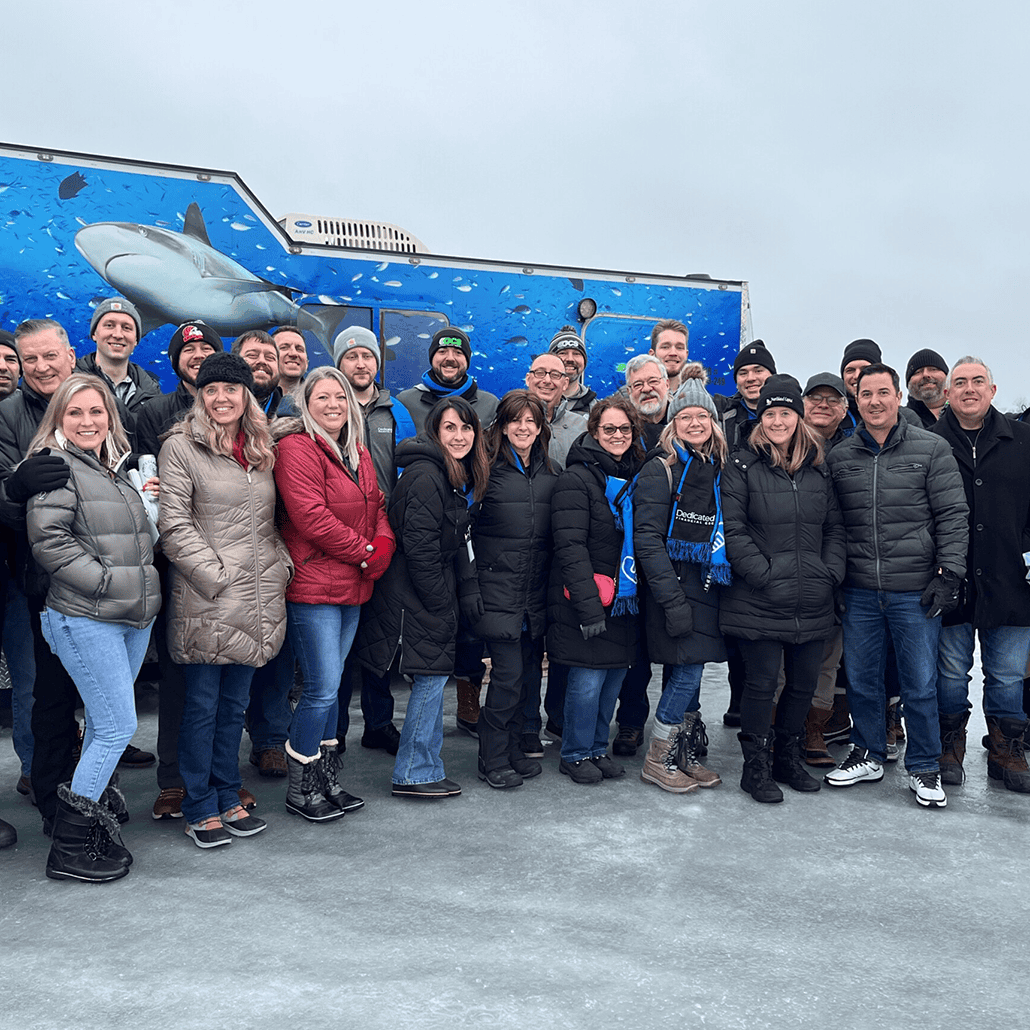 Liventus at the NEFA Ice Fishing Event on Lake Minnetonka
On January 24, 2024, the National Equipment Finance Association (NEFA) hosted an exhilarating ice fishing event on frozen Lake Minnetonka. This gathering brought together industry professionals, outdoor enthusiasts, and community members for a day of camaraderie and adventure on the ice. From 11:30 am to 7:30 pm CST, participants enjoyed a full day of ice […]

 Equipment Finance Automation Trends 2024: Top Trends Revealed
In the ever-evolving landscape of finance, the year 2024 marks a pivotal moment for the equipment finance industry. As businesses strive for agility, efficiency, and innovation, automation emerges as the linchpin for transformative change. In this blog article, we delve into the top equipment finance automation trends of 2024, exploring how these trends are reshaping […]
 Top 10 Data Analytics Tools You Need to Know in 2023
In today’s digital age, data is an asset, and businesses of all sizes must find ways to extract insights from the large volumes of data they collect. Data analytics tools play a critical role in this process by providing businesses with the tools they need to process, analyze, and visualize their data. These tools enable […]

 Building a Custom B2B Ordering System for a Health Food Manufacturer feat. Tim Dolloff
Summary In this podcast episode, Tim Dolloff, Executive Vice President of Client Engagement, discusses a case study of how Liventus helped Now Foods build a custom B2B ordering system. Now Foods, a health food manufacturer, needed a solution to streamline their order process and reduce errors. This blog provides a snapshot of the enriching discussion […]
 Liventus Honored as a Clutch Champion and Global Leader for 2023
Liventus, a leading technology solutions and services provider, has been recognized as a 2023 Global Award winner for its custom software development services and a 2023 Clutch Champion by Clutch, the leading global marketplace of B2B service providers. The honorees are selected based on their industry expertise and ability to deliver exceptional results, as calculated […]
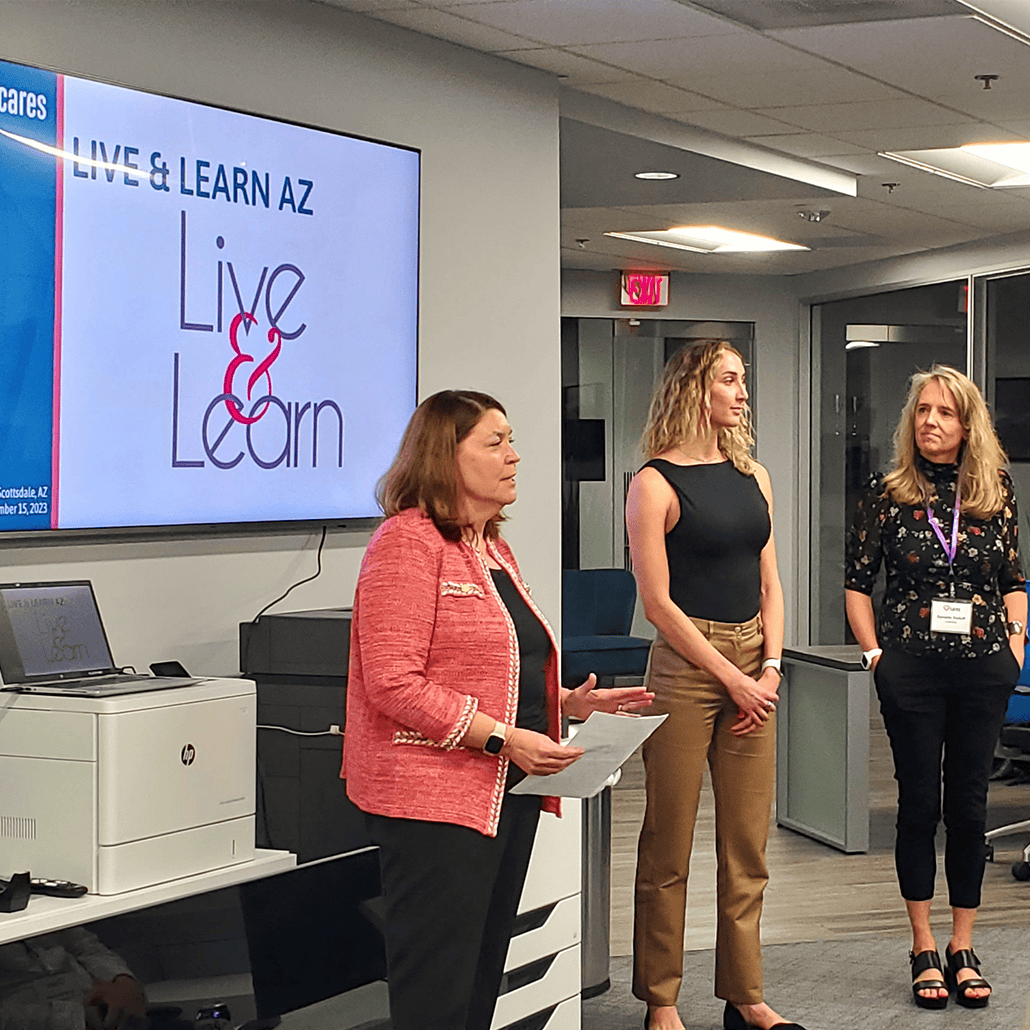 Liventus at Equipment Finance Cares Scottsdale Event, 2023
Northbrook, IL. October 25, 2023 — Liventus is thrilled to share the highlights from the recent Equipment Finance Cares (EF Cares) event, which took place in Scottsdale, AZ, marking the fifth successful gathering in 2023. Over 40 esteemed professionals from the equipment finance industry, representing 24 diverse organizations, came together for this impactful occasion. Hosted by […]